User feedback has been implemented - many thanks for the ideas!

Since December, our users have provided us with good ideas for functions that would make working with fundraiso easier. Further ideas from attentive users were implemented and went live last week. And what is the difference between a flag and a star in fundraiso?
We received the following ideas from users
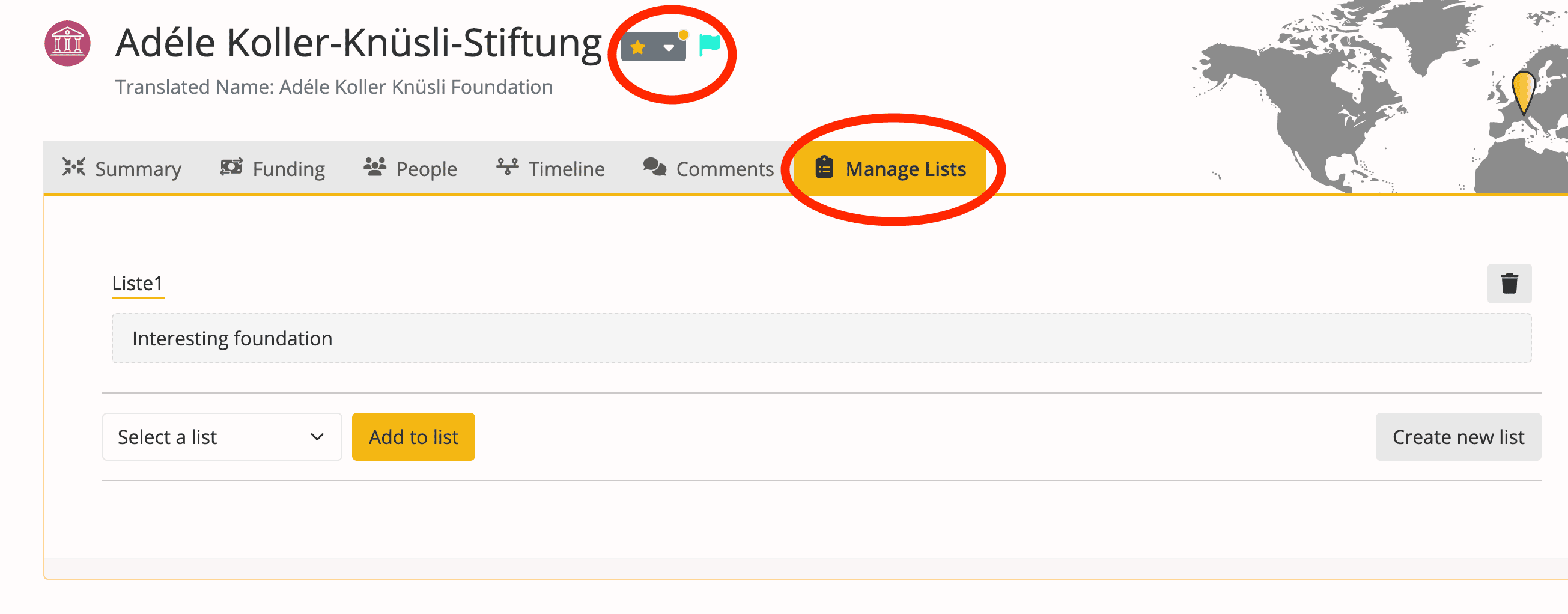
1 - It should be possible to set the flag and also the star (adding to a favorites list) on the profile view of an organization with just one click. This has now been implemented. You can now add/remove the flags and make entries in the favorites lists directly under the title of each organization.
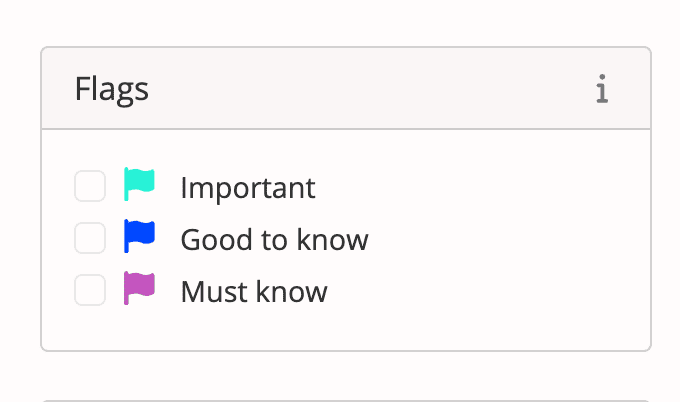
2 - It was also requested that you can filter in the search for flags that you have set. This is now also possible. A separate flag filter appears in the search.
What we also want to answer here is the distinction between the flag and the favorites list (star)
The flag is cross-list and is used, for example, to mark organizations that you have already contacted or do not want to contact at all. In the search, you can filter for all organizations that have been marked with a flag.
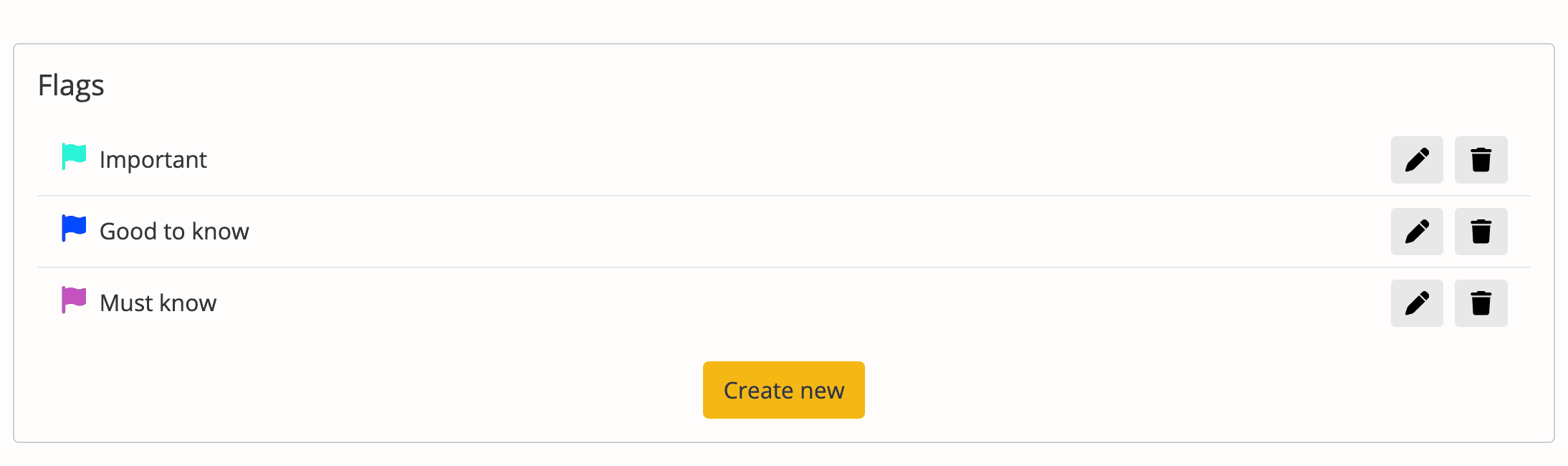
Important: You must first create the flags in the account overview.
New professional feature
3 - For our professional users, we launched the "Keep filters active" function the week before last. This allows you to keep all search filters active and to query new keywords again and again. See user guide point 1.3.